Look inside any program, safely.
ReverseExe shows what a Windows or Linux program really does. Everything runs on your own computer, and nothing is ever uploaded.
For Windows 10 and 11, 64-bit
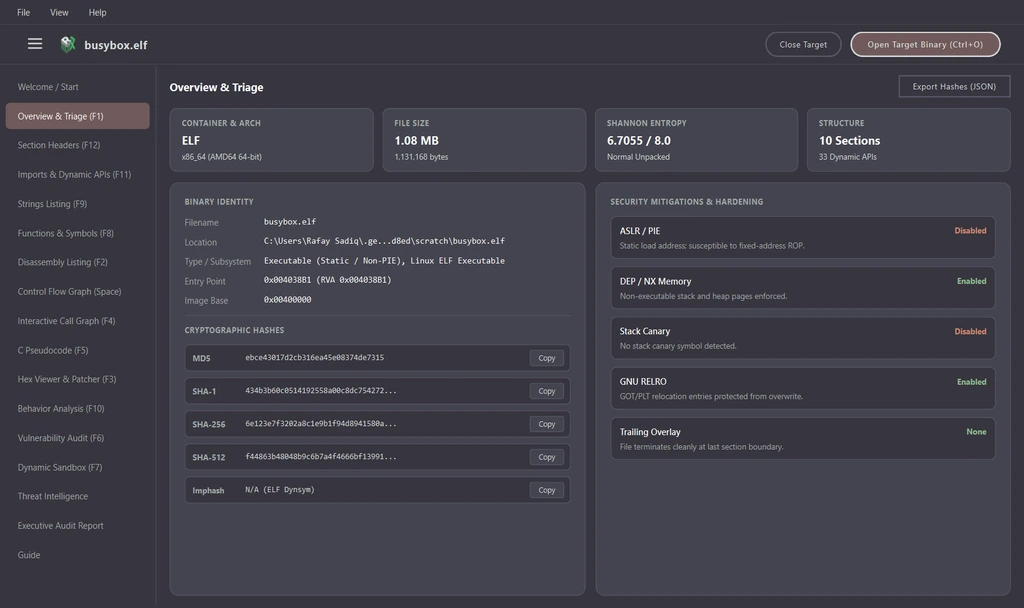 Packing detection
5 file fingerprints
Protection checks
-
17tools in one window
-
2platforms: Windows and Linux
-
3levels of sandbox protection
-
0files uploaded, ever
Everything you need to understand a file
Open a file once. Every tool looks at the same data and stays in sync.
Instant overview
Fingerprints, randomness and built-in protections at a glance.
Readable code
Assembly, flow graphs and C-like pseudocode, linked together.
Hidden abilities
Finds what a program can do, even when it tries to hide it.
Safe editing
Change bytes on a copy. The original file is never touched.
Behavior insights
Connects clues to known attacker techniques (MITRE ATT&CK).
Clear reports
Export a full report as HTML, Markdown or JSON in one click.
See it in action
Real screens from the app.
1 of 8
-
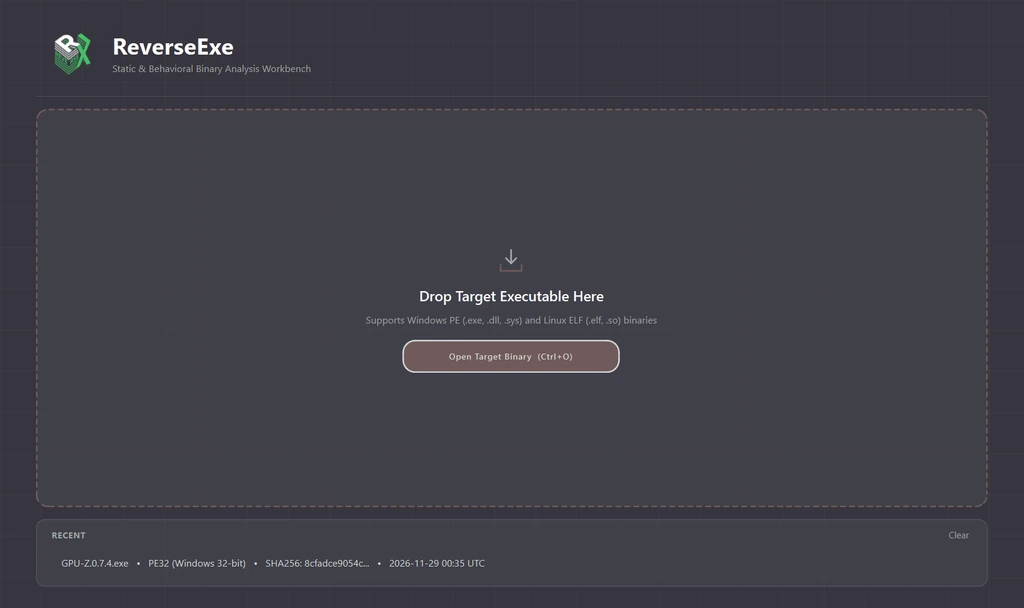
WelcomeDrag and drop any PE or ELF binary. -
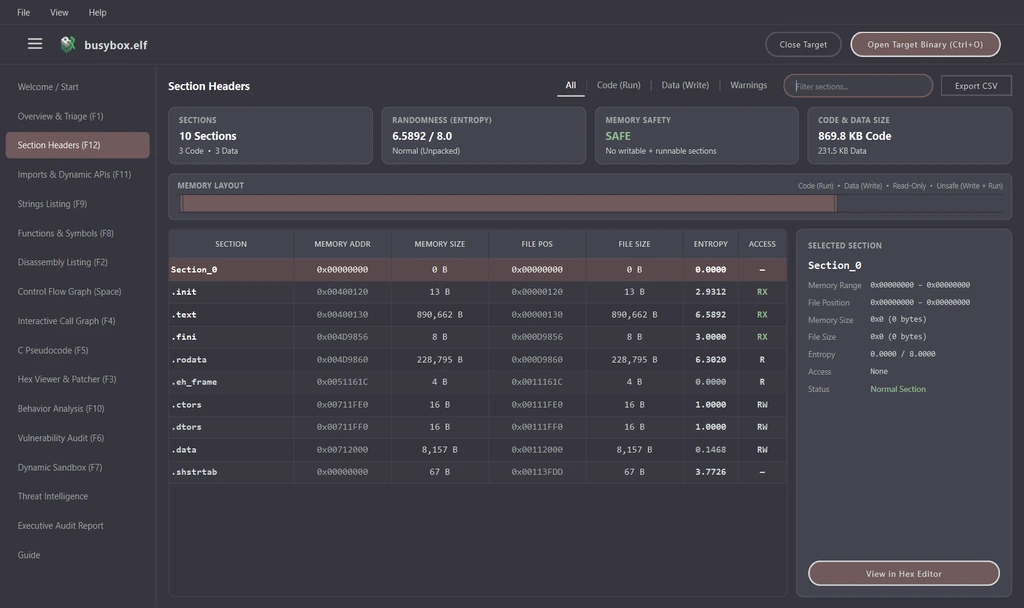
Section headersMemory layout, sizes and W^X checks. -
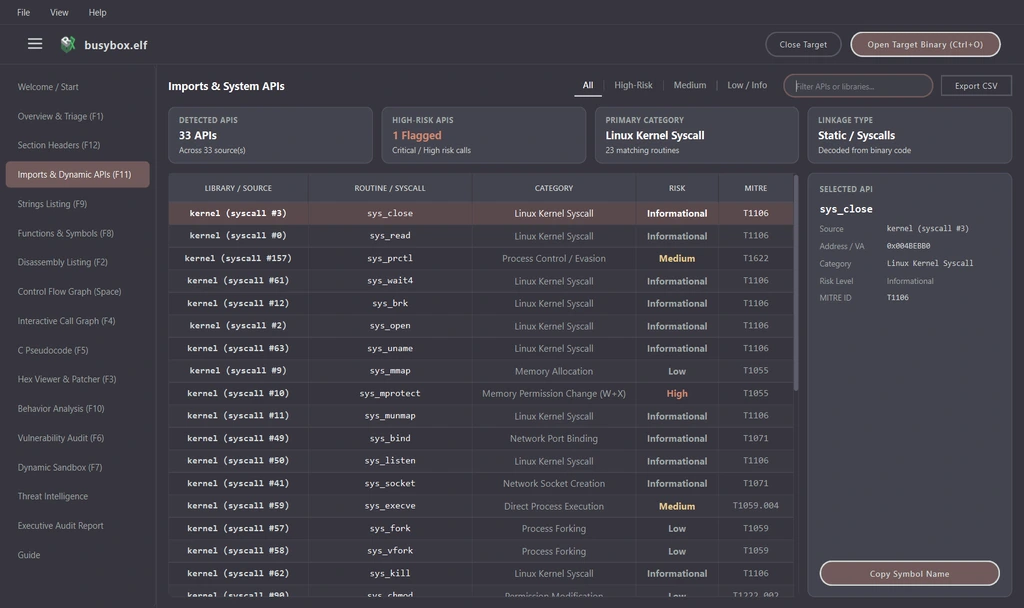
Imports & APIsPE imports and stripped ELF syscalls. -
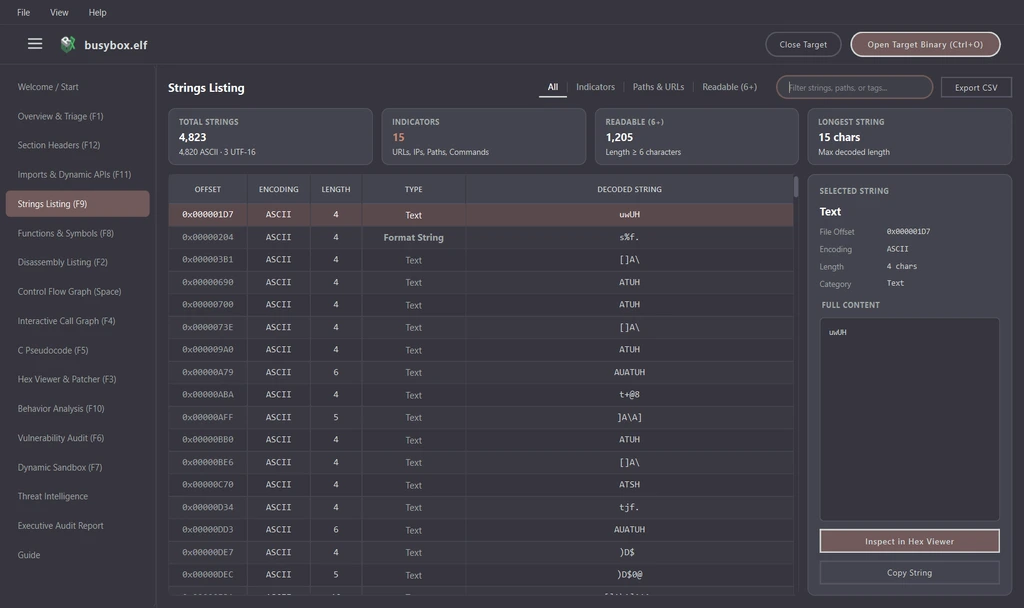
StringsExtracted text, URLs and indicators. -
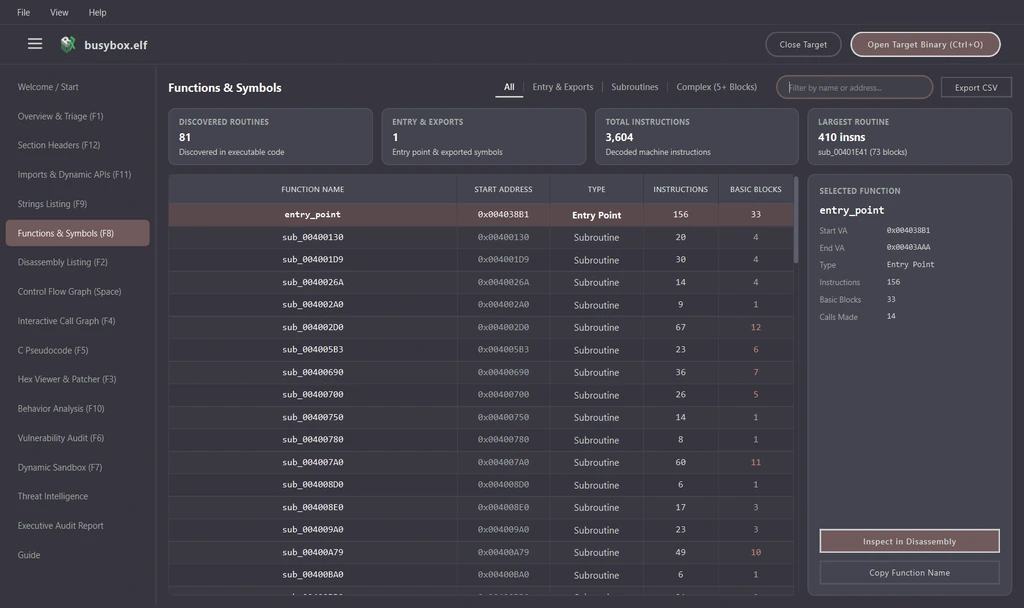
FunctionsDiscovered routines and block counts. -
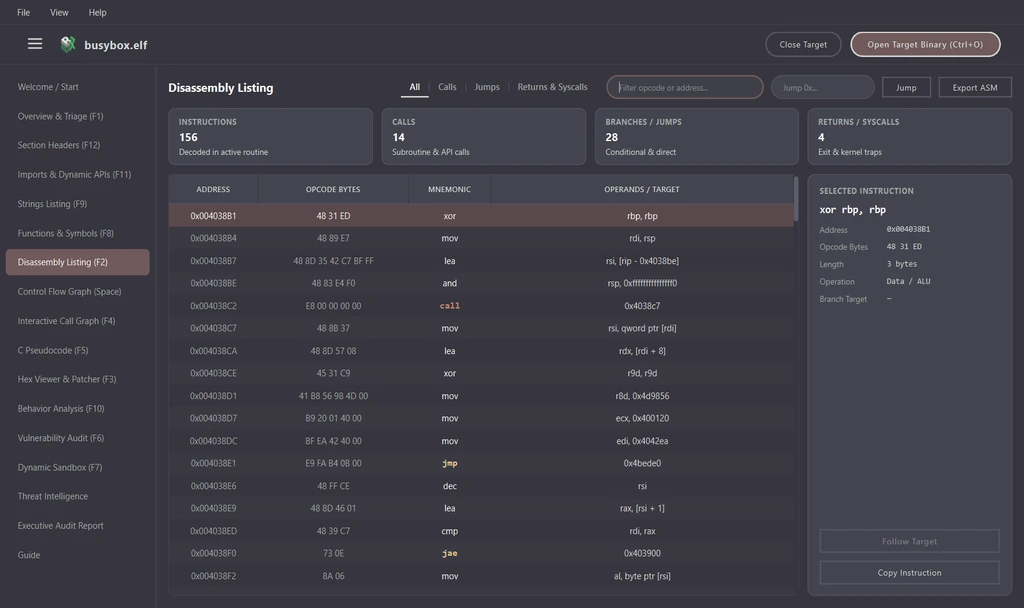
DisassemblyMachine code as readable instructions. -
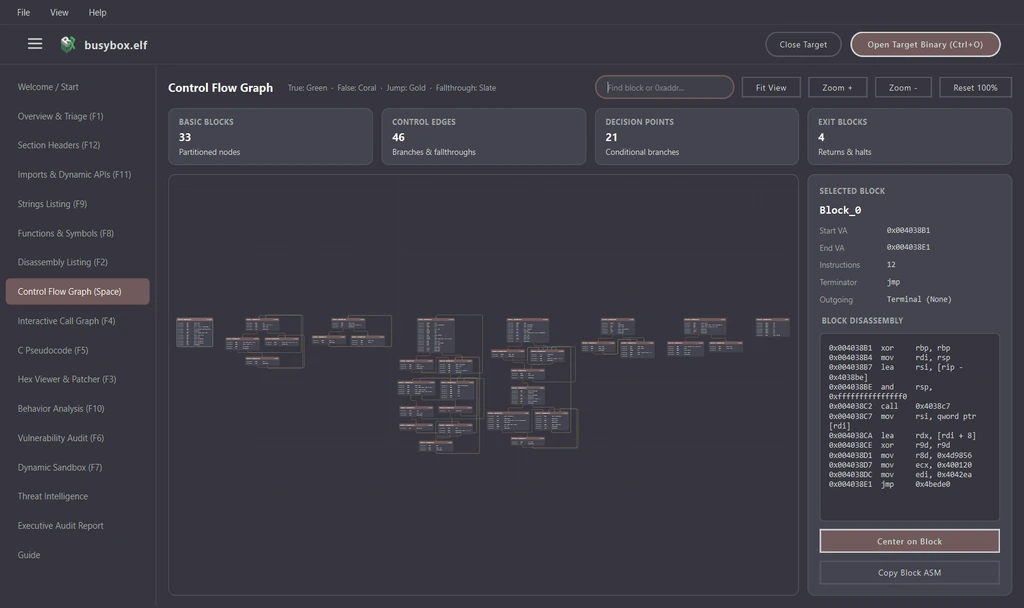
Flow graphEvery decision and path, drawn out. -
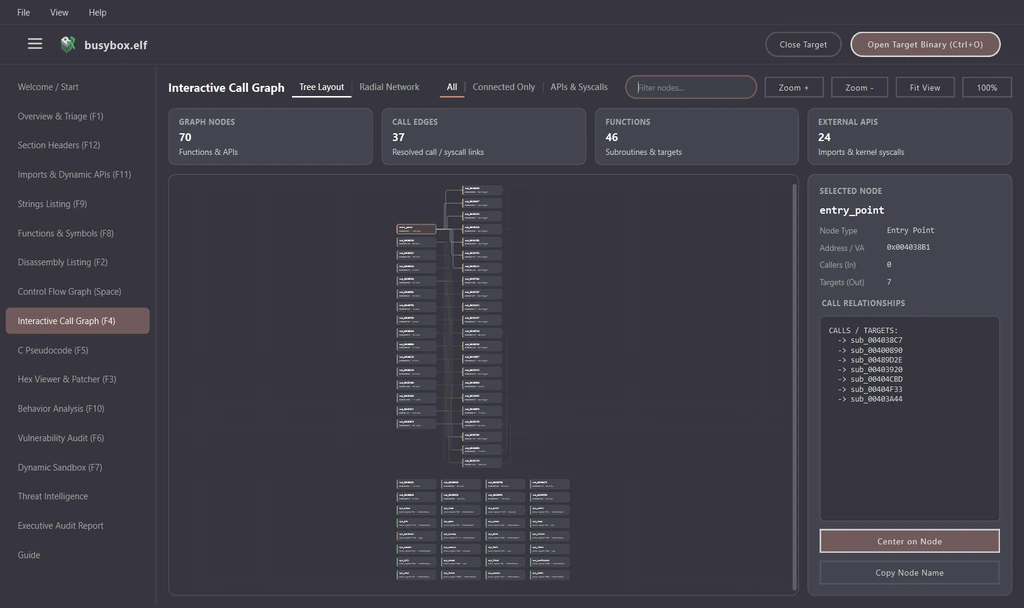
Call graphWho calls whom. -
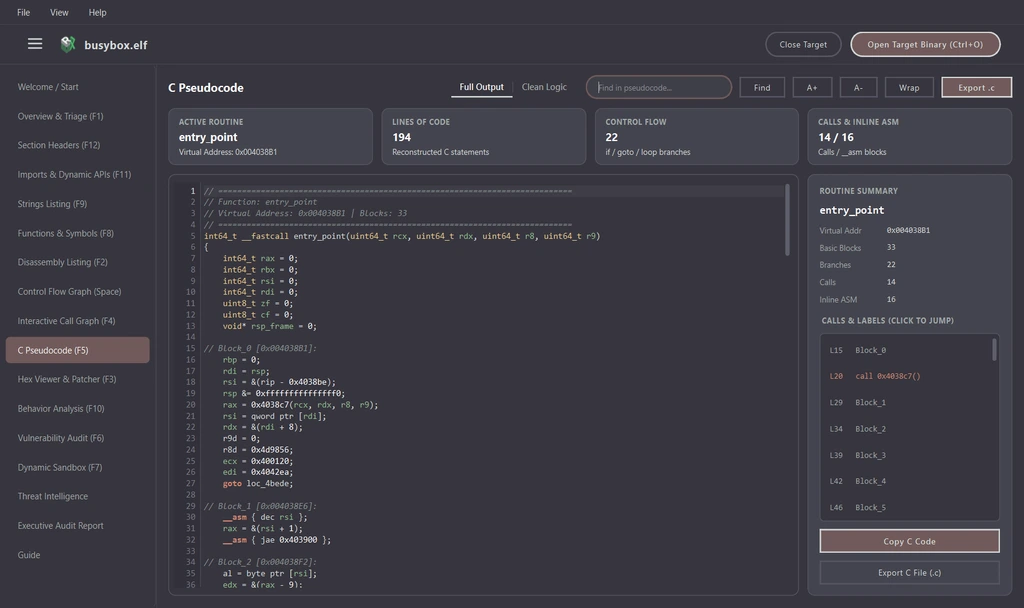
PseudocodeEasy-to-read C-like code. -
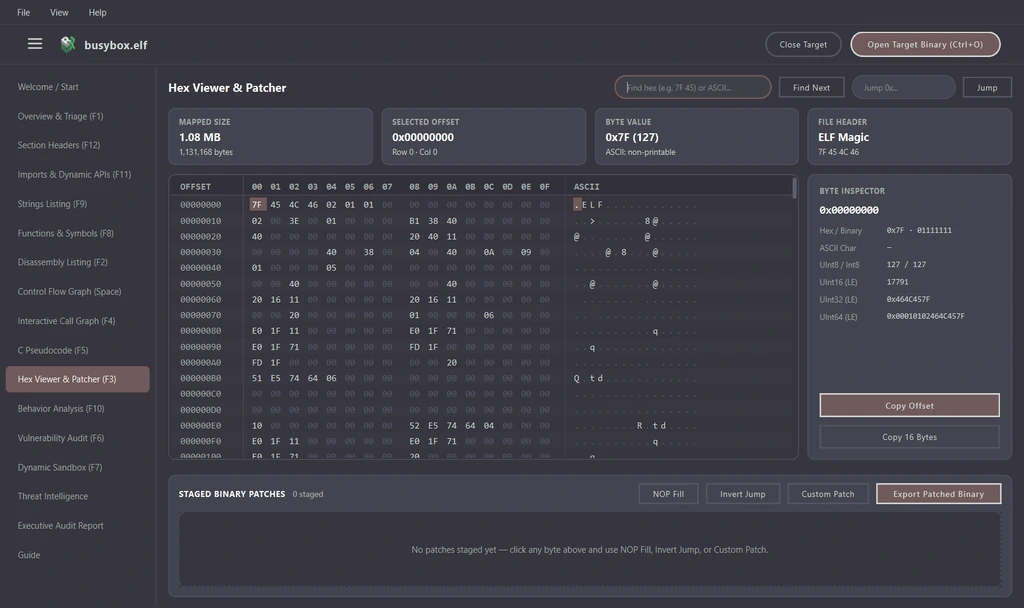
Hex editorEvery byte, edited on a safe copy. -
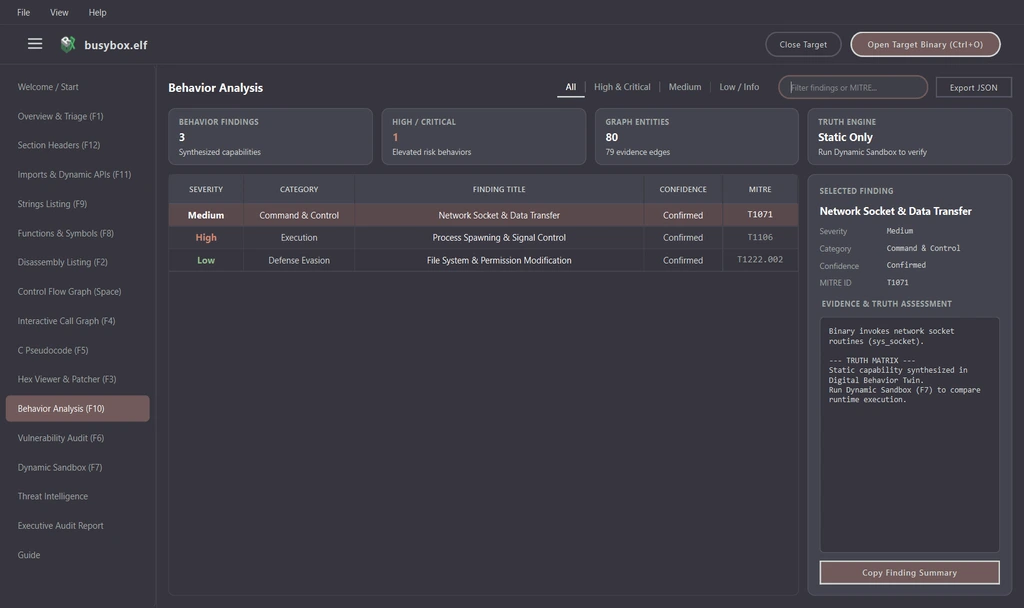
BehaviorEvidence-backed findings. -
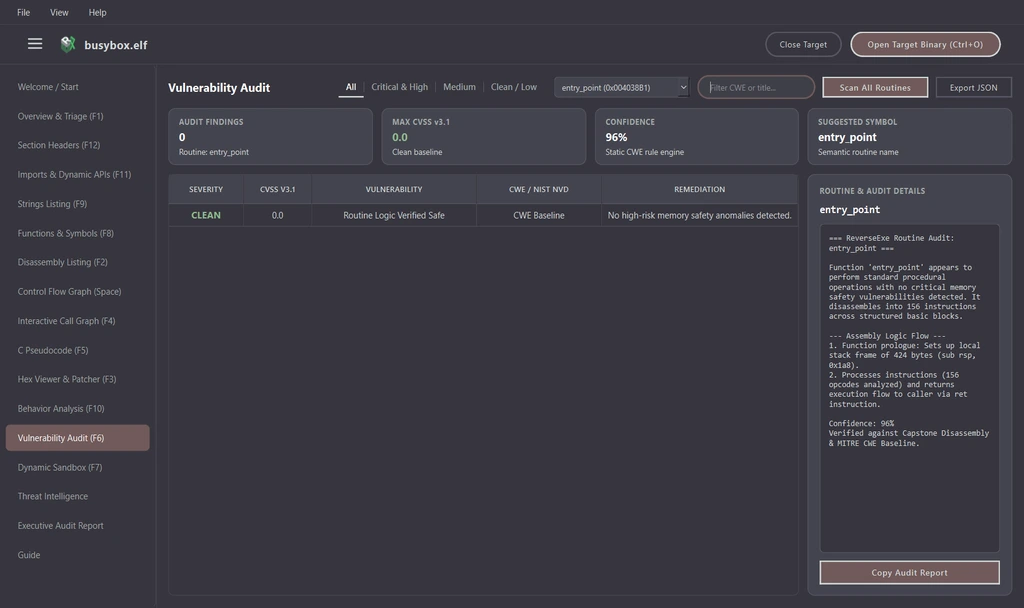
Vulnerability auditOffline CWE & CVSS v3.1 routine checks. -
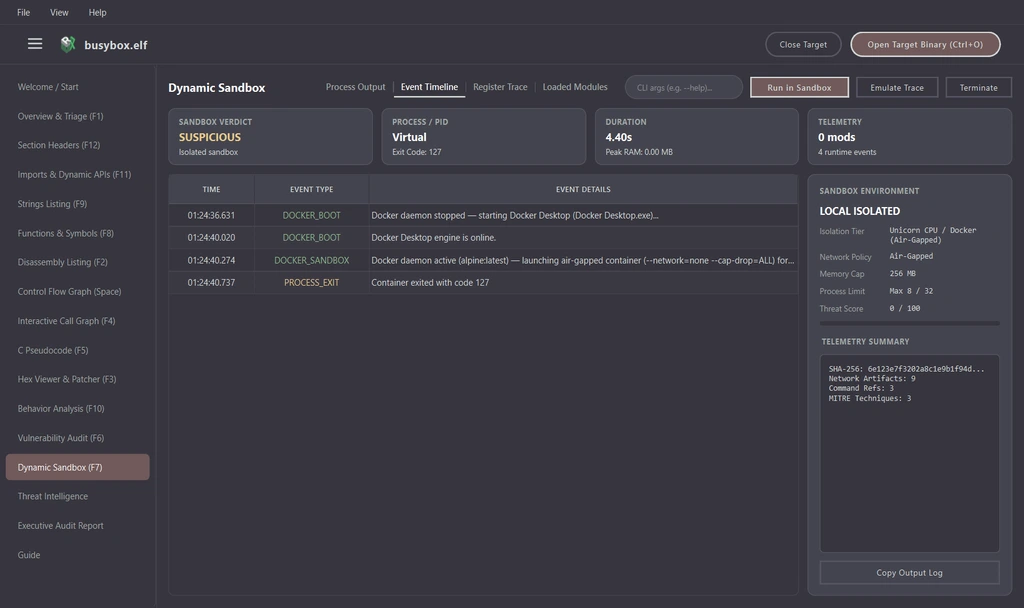
SandboxWatch a file run, safely boxed in. -
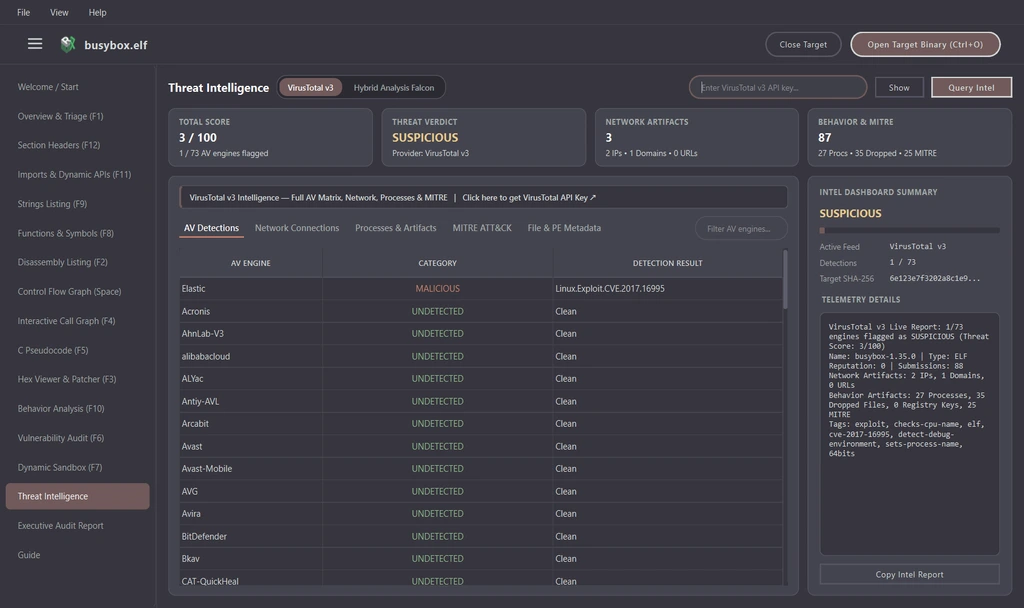
Threat IntelligenceVirusTotal v3 & Hybrid Analysis Falcon dashboard. -
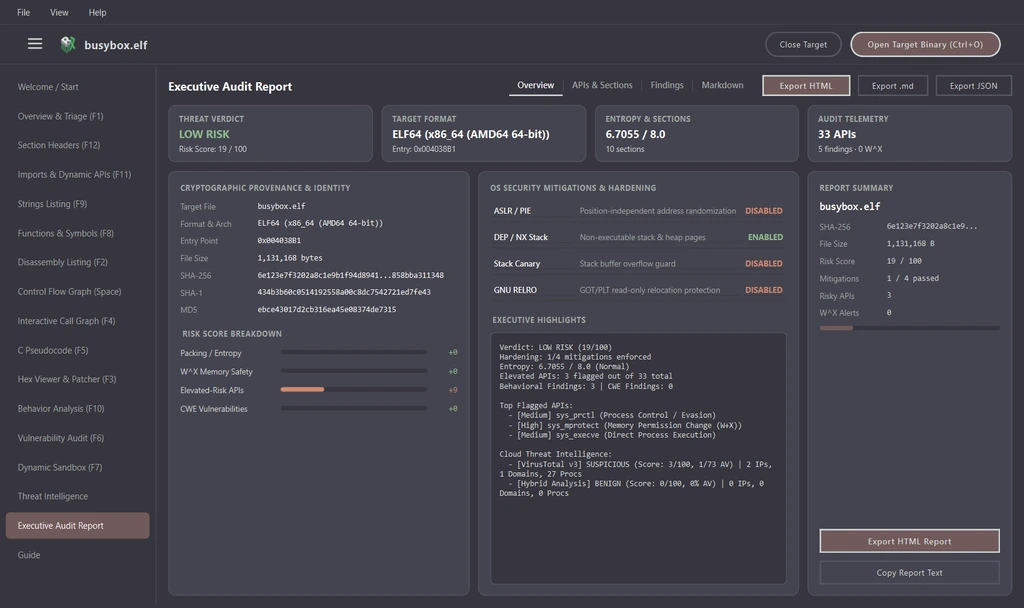
ReportA risk score you can share. -
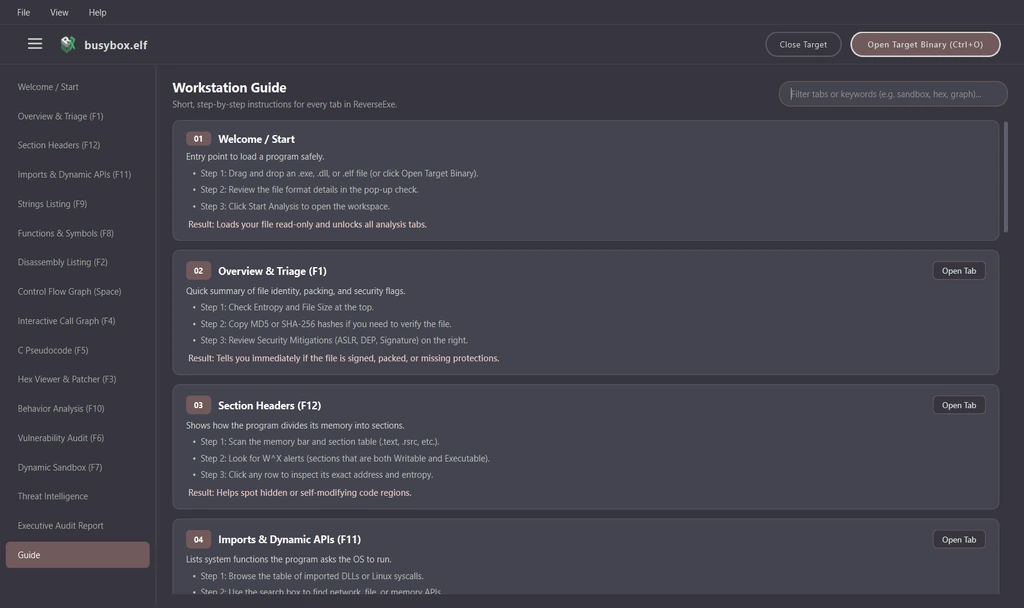
GuideStep-by-step help for every tab.
Three steps. That's it.
- 1
Open a file
Drag in any Windows or Linux program.
- 2
Explore
Browse 17 linked tools, or test-run it in the sandbox.
- 3
Get the report
One click gives you a clear, shareable risk report.
Your files never leave your computer
Built for files you can't share and shouldn't run carelessly.
-
Works offlineNo internet needed, ever.
-
Original stays originalFiles open read-only. Edits go to a copy.
-
Locked sandboxTest-run files in a sealed box with strict limits.
Download ReverseExe
Download for WindowsWindows 10 or 11, 64-bit
Optional: Docker Desktop, to test Linux programs in the sealed container.
-
Download the installerOne file, no account needed.
-
Run itFollow the short setup steps.
-
Drop in a fileYour first analysis starts right away.
Questions
Does ReverseExe need the internet?
No. Everything runs on your computer and no file is ever uploaded.
Will it change my file?
No. Files open read-only. Any edits you make are saved as a new copy.
Is it safe to test suspicious files?
Test runs are optional and happen inside an isolated sandbox with strict memory and process limits. For known malware, use a virtual machine as well.
Which files can it open?
Windows programs (.exe, .dll, .sys) and Linux programs (ELF, .so), both 32-bit and 64-bit.